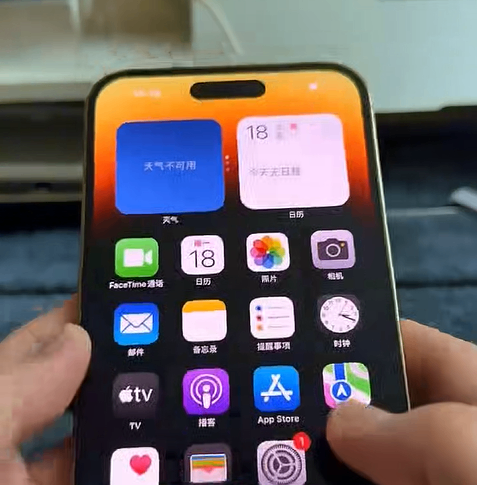
Have you ever encountered a completely frozen iPhone screen? You’re stuck on an app or a prompt—tapping “Allow” or “Don’t Allow” does nothing, and the screen simply won’t respond. Even when you try to force restart by holding down the side button, the slide-to-power-off slider won’t move. Before you assume the worst and visit iPhone screen vendors for a costly repair, try this simple fix first.

Don’t panic. In many cases, this is a temporary software glitch, not a hardware failure. Instead of rushing to replace the screen, you can often resolve it yourself with a forced restart. Here’s how:
Quickly press and release the Volume Up button.
Quickly press and release the Volume Down button.
Immediately press and hold the Side button (power key) for about 10–15 seconds.
Keep holding until you see the Apple logo (the white Apple icon) appear on the screen.
Once the logo shows up, release the Side button.
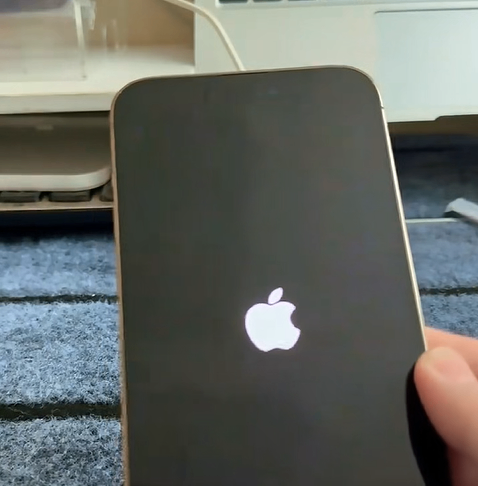
Your iPhone will restart, and after a moment, the display should respond normally again. This method forces the device to reboot without needing to interact with the touchscreen, clearing out temporary system bugs that can cause unresponsive displays.